How I Built an AI Film Scene from Scratch (STEP BY STEP)
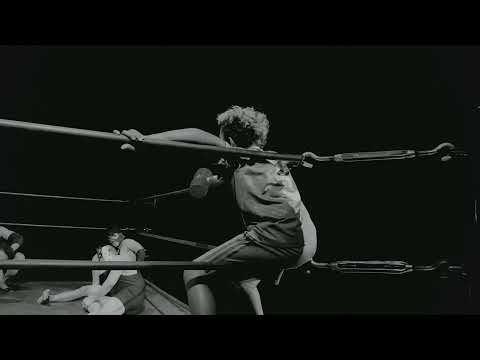
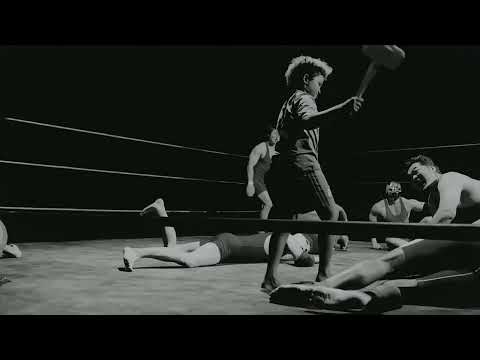
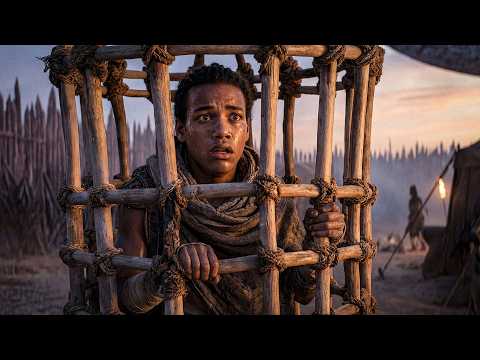
In this video, I break down my entire process of building an additional scene for my AI short film "Bone Throne" from the very first image generation through to the final video shots.
I walk through how I create and refine images using Nano Banana Pro, edit in Photoshop, and generate multi-shot video sequences using Kling 3 and Kling Omni all inside of Higgsfield AI.
This video is sponsored by Higgsfield, but all opinions and workflows shown are my own.
🔗 Try Higgsfield AI:
https://higgsfield.ai/?fpr=lennard97
⏱️ Timestamps:
0:00 — The Finished Scene
0:50 — Intro & What We're Building
1:16 — Image Generation Options
2:13 — Building the Master Shot
3:24 — Refining in Photoshop
7:02 — Creating the Start Frame & Character Setup
8:38 — Multi-Shot Video Generation
11:08 — Why Kling Omni Worked Best
11:55 — End-Frame-as-Geography Technique
13:07 — Prompting Individual Shots
15:27 — Credits Breakdown (2,800 Credits Total)
15:35 — Why I Use Higgsfield
🎬 Watch Bone Throne:
https://youtu.be/6D4_ZMnPx7I
📺 Subscribe for more AI filmmaking breakdowns
#AIFilmmaking #AIVideo #Higgsfield #Kling3 #NanoBananaPro #AIWorkflow
















































































































Comments (0)